IBM ended regular support for Maximo 7.6.1.x on September 30, 2025, and the extended support option only buys a limited amount of time (IBM’s announcement). If you’re still on 7.6, the move to Maximo Application Suite is coming whether you plan for it or not. The question is what you drag across with you.
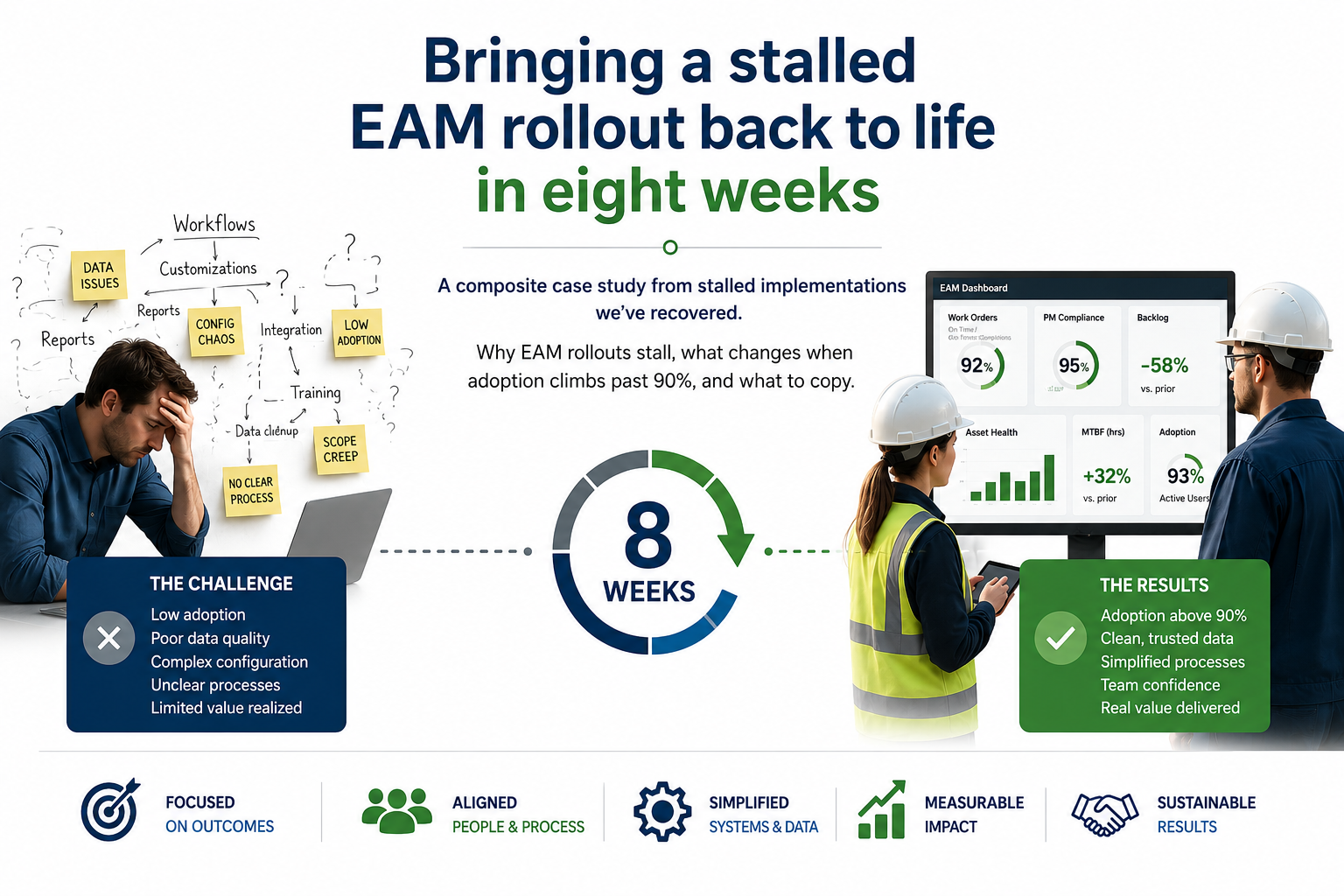
Too many organizations treat MAS as a technical upgrade. Stand up the new environment, migrate the database, bring the customizations along, retrain on the new screens, done. Do that and you move every problem you have today onto a new platform and pay for it all over again.
Don’t move the mess
Take an honest look at your current Maximo. I’ve seen the same baggage in most long-running installs: automation scripts and Java customizations nobody can explain, workflows that were built for a reorganization three leaders ago, failure codes nobody uses, and a location hierarchy that made sense to the original implementer.
A migration is the one time everyone in the organization expects things to change. Use it! You won’t get a chance like this again for years.
Five things to settle before you migrate
- Inventory every customization. For each one decide: keep it, retire it, or replace it with configuration. Plenty of what was custom code in 7.6 can be handled with standard features now.
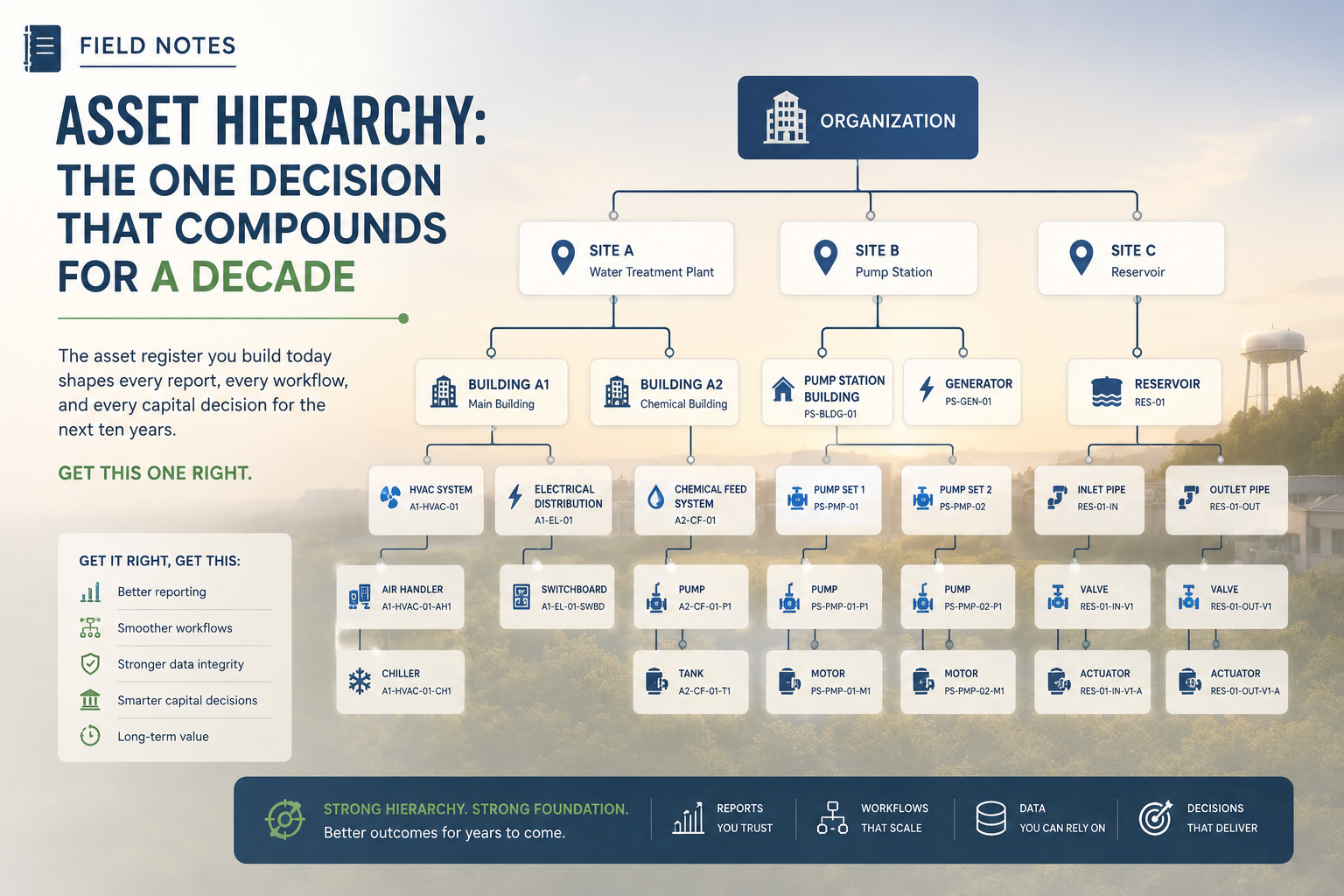
- Clean the asset and location hierarchy. Fix duplicates, dead assets and bad parent-child relationships in the old system before you migrate. That’s where your team knows the data.
- Walk the workflows with the people who use them. Sit with planners and supervisors and ask which steps they skip or work around. Those are the ones to redesign.
- Decide who needs what. MAS is licensed with AppPoints, so the number of users and the applications they need drive cost. You better get that right before you sign.
- Fix the failure codes and closeout. If the data going into the new system is still “Other” and “Fixed,” the new analytics won’t have anything to work with.
The new platform will do exactly what you configure it to do. If you configure yesterday’s workarounds, you’ll get yesterday’s results for more money.
Plan for the people
Your integrator is good at the technical cutover. Whether the migration pays off comes down to adoption. Plan training by role, keep a few experienced planners involved from design through go-live, and give them the job of teaching their peers. Put a 90-day review on the calendar after go-live to catch the workflows that aren’t working before people build new spreadsheets around them. And they will.
What to do this quarter
- Confirm your support status and the date you have to be off 7.6.
- Pull the list of customizations and automation scripts and start the keep, retire or replace review.
- Run a data quality check on the hierarchy and asset records for your most critical systems.
- Name the planners and supervisors who will be part of design, and free up their time now.
If you moved your current Maximo to MAS exactly as it is today, what would you be paying to keep? Does anyone on your team know?