This is a composite case study, pulled from several stalled EAM implementations we’ve been called in to recover over the past several years. The details are anonymized and aggregated, and none of them describe any specific client. The pattern is real, though. I’ve watched it repeat often enough that it’s worth writing down.
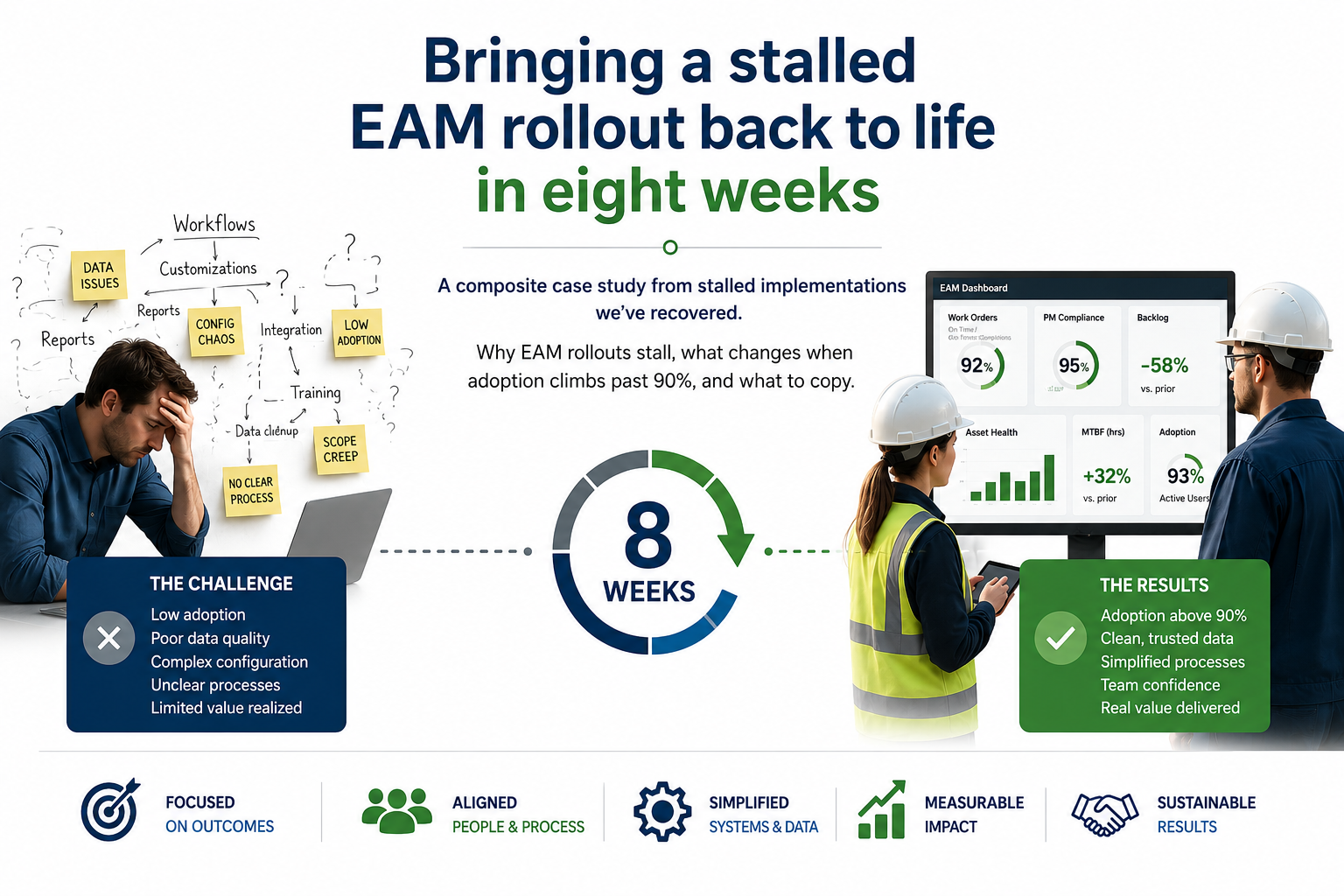
Here is the rough shape of how that turnaround happens, and what has to be in place every time for it to work.
Where it started: eighteen months in, stalled
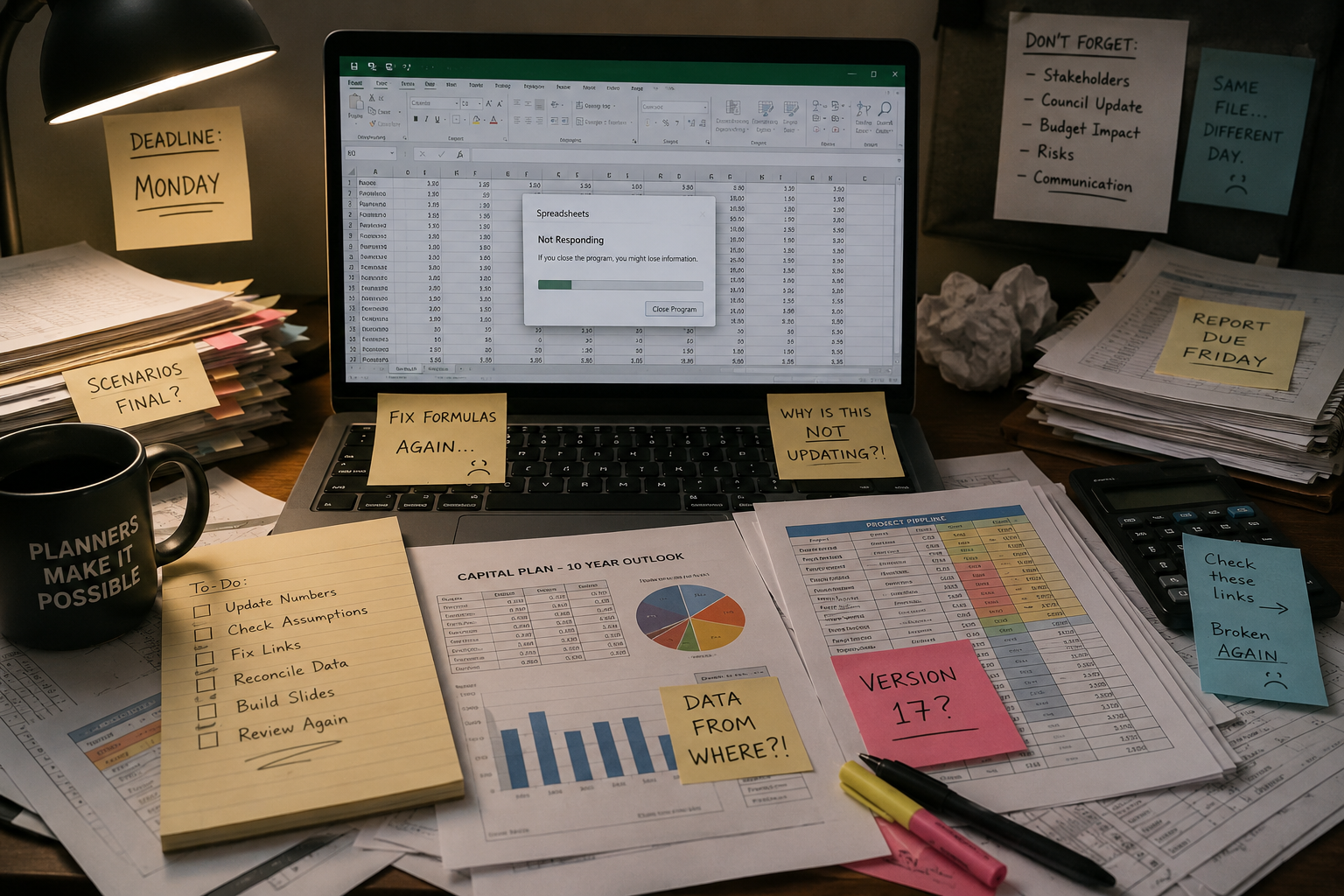
By the time we’re typically called in, the symptoms are familiar. Leadership asks why adoption is still in the teens after a year-plus of work. IT points to the system: “it’s configured per the original requirements; the planners just aren’t using it.” The planners, when asked privately, describe a system that takes too many clicks, surfaces the wrong fields, and doesn’t reflect how the work flows on the floor.
Each group is partly right. The system works as configured, and the configuration matches the requirements that were captured. The planners aren’t lazy either. But the requirements were captured in conference rooms, not in the field, and the design that came out of them never survived contact with Tuesday morning.
Weeks 1–2: Listening, watching, finding the friction
Look at the work first and leave the system alone for now. That means about ten days of:
- Sitting with two or three planners during their actual workflow. We watch rather than interview, noting where they alt-tab to a spreadsheet, where they pick up the phone, where they stare at the screen waiting for it to load.
- Walking the floor with supervisors and field technicians. Find out what they need from the system at the point of work. It’s usually 80% less than what the system tries to give them.
- Pulling reports nobody uses and asking why. The unused reports are the cleanest signal of where the design missed the user.
At the end of two weeks you write a short document, usually fewer than twenty pages, describing what you saw. Keep it to observations. Don’t make recommendations yet. When the planners read it, the typical reaction is “yes, exactly. Nobody’s ever written this down before.”
The diagnostic is the deliverable. Once everyone agrees on what’s happening, the recommendations almost write themselves.
Weeks 3–5: Workflow redesign, not configuration change
This is where the real work happens, and where most recovery efforts go wrong. Everybody wants to jump in and start changing configuration: new screens, new fields, new rules. Don’t do it. That’s the wrong order.
Redesign the workflow on paper first. Specifically:
- Re-map the work-order lifecycle from how it moves in your organization (not how the textbook says it should). Where does a request come from? Who triages it? When does it become a planned job? When does it get scheduled?
- Identify the three or four screens planners and supervisors use, and design those carefully. The rest of the system can wait.
- Decide what data has to be entered, by whom, and when. Most stalled rollouts ask too much data entry from people who can’t do it at the point of work. Cut the data requirements hard. If a field doesn’t feed the next decision, get rid of it.
This work is mostly conversations with planners and supervisors. What comes out is a workflow document, checked by the people who’ll live in it, that everyone agrees is faster than what they do today. Then the configuration changes follow from the document, not the other way around.
Weeks 6–8: Re-launch with the planners who’ll own it
Skip the town hall. The re-launch is a working pilot with the two or three planners and supervisors who participated in the redesign. They run live work through the new workflow for two to three weeks while the rest of the team watches.
This phase has three jobs:
Prove the new workflow is faster
The pilot planners need to be able to honestly say “this is now the fastest way to do my job.” If they can’t say that, the workflow isn’t ready and you go around again. Don’t launch until they can say it!
Make the pilot planners the trainers
Once the pilot is working, the planners who lived through it train their peers. No vendor trainer, no consultant. Adoption climbs because the planner next to you is doing the same job in half the time. You don’t need a mandate for that.
Make the data quality fix visible
While workflow is being redesigned, the asset hierarchy and master data get cleaned up in parallel. By re-launch, the data the planners see matches what’s in the field. The phrase “the system says X but the field says Y” stops appearing in meetings within two weeks, and that’s the trust signal.
What the pattern looks like
The composite case ends with adoption past 90%, the parallel spreadsheets retired, and the planners volunteering to be the trainers for the next site. But the more important outcome is that the program has internal owners. There are now three to five people in the client organization who understand exactly why the workflow is designed the way it is, can defend it when leadership turns over, and can train new hires on it without external help.
The eight weeks of focused work is the visible win, but the internal capability is what lasts.
Three ingredients that consistently appear
Across the implementations we’ve helped recover, the same three things show up in every one that worked. They are usually missing from the original rollout:
- Observation before recommendation. The original implementations almost always skipped sitting with the planners and watching the work. Once you do that, the design choices become obvious.
- Workflow design before configuration change. Configuration is downstream of workflow. Getting them in the wrong order is the most common way these rollouts fail.
- Pilot adoption before broad rollout. Two or three planners who prefer the new workflow are more persuasive than any training program. Find them, work with them, let them lead.
None of this requires a re-implementation. It takes the patience to listen first, the discipline to design before you configure, and the humility to let your planners be the heroes of their own system. So how many of your planners are still running the real work out of a spreadsheet? And when did anyone last sit next to them and watch?