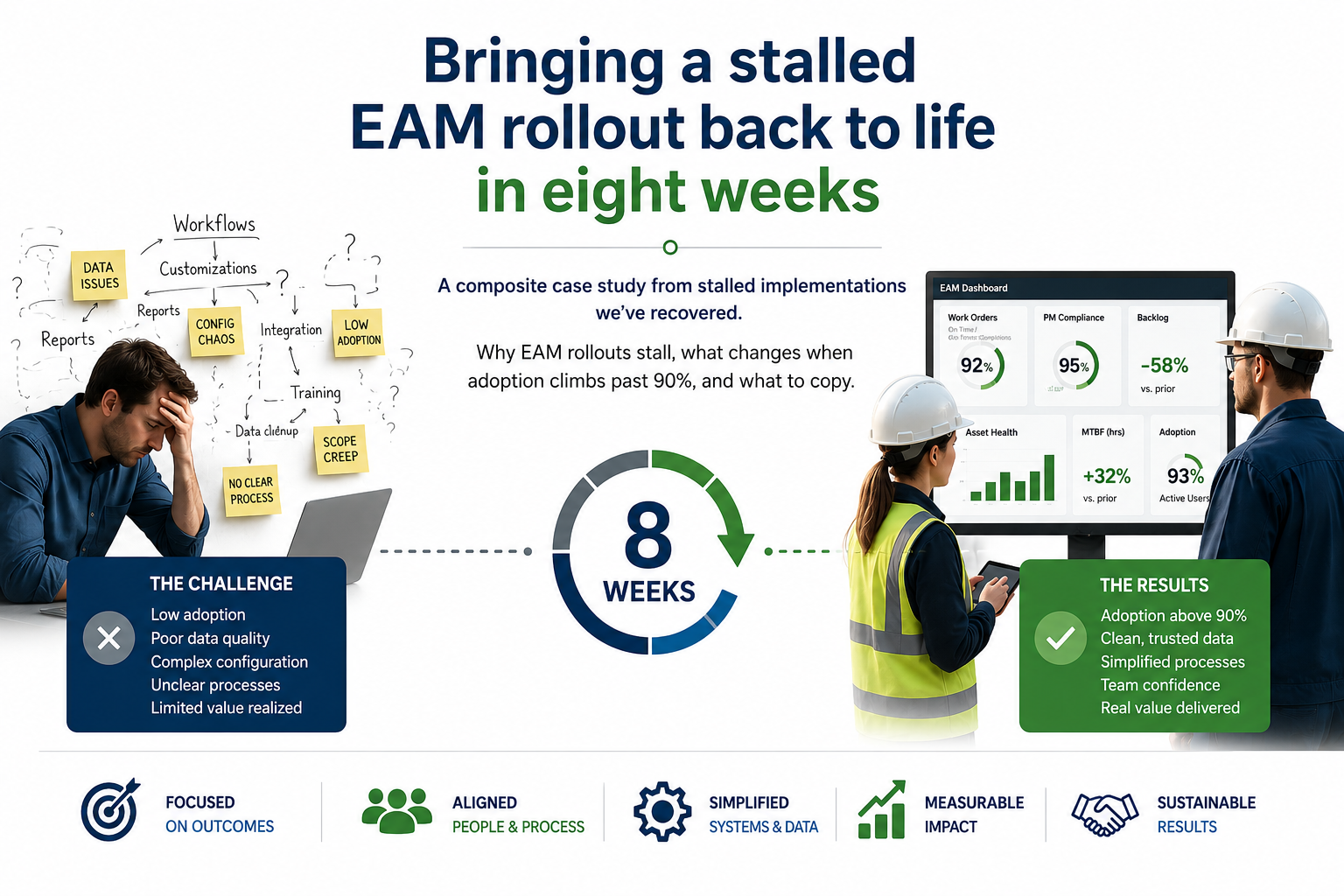
A CMMS rarely fails the way you’d expect software to fail. It doesn’t crash or throw error messages. People quit using it, a little at a time. By the time someone in the C-suite asks why the $400K platform isn’t delivering value, the planners have already moved on, the workflow has migrated back to spreadsheets and shared inboxes, and the asset hierarchy hasn’t been updated in eight months.
Most of the time the software works fine. The workflow around it is broken, and if you catch it early that’s a lot cheaper to fix than a re-implementation.
Here are five signs your system is failing, in about the order they show up. You can act on every one of them this quarter without opening a vendor support ticket.
1. The spreadsheets are back
The surest sign your CMMS has stopped working is that your planners and supervisors are running spreadsheets on the side again. They track the backlog, PM schedule, and spare parts in spreadsheets. The system is still in use on paper. The planning happens somewhere else.
In my experience this is a usability problem. Spreadsheets came back because the CMMS workflow takes too many clicks, surfaces the wrong fields by default, or doesn’t support the way the work flows. Walk a planner through their Monday morning routine and you’ll see exactly where the system loses them.
What to do this quarter
Sit with two planners for an hour each. Ask them to show you how they plan a week of work, and keep quiet while you watch. You’ll see the friction points within fifteen minutes, and most of them are configuration fixes you can make without the vendor.
2. Nobody trusts the data
The second sign is harder to spot. Meetings start with someone saying “let me check with the field” or “the system says X but I’m pretty sure Y.” Once that pattern shows up, the CMMS has stopped being the source of truth, even if everyone’s still entering data into it.
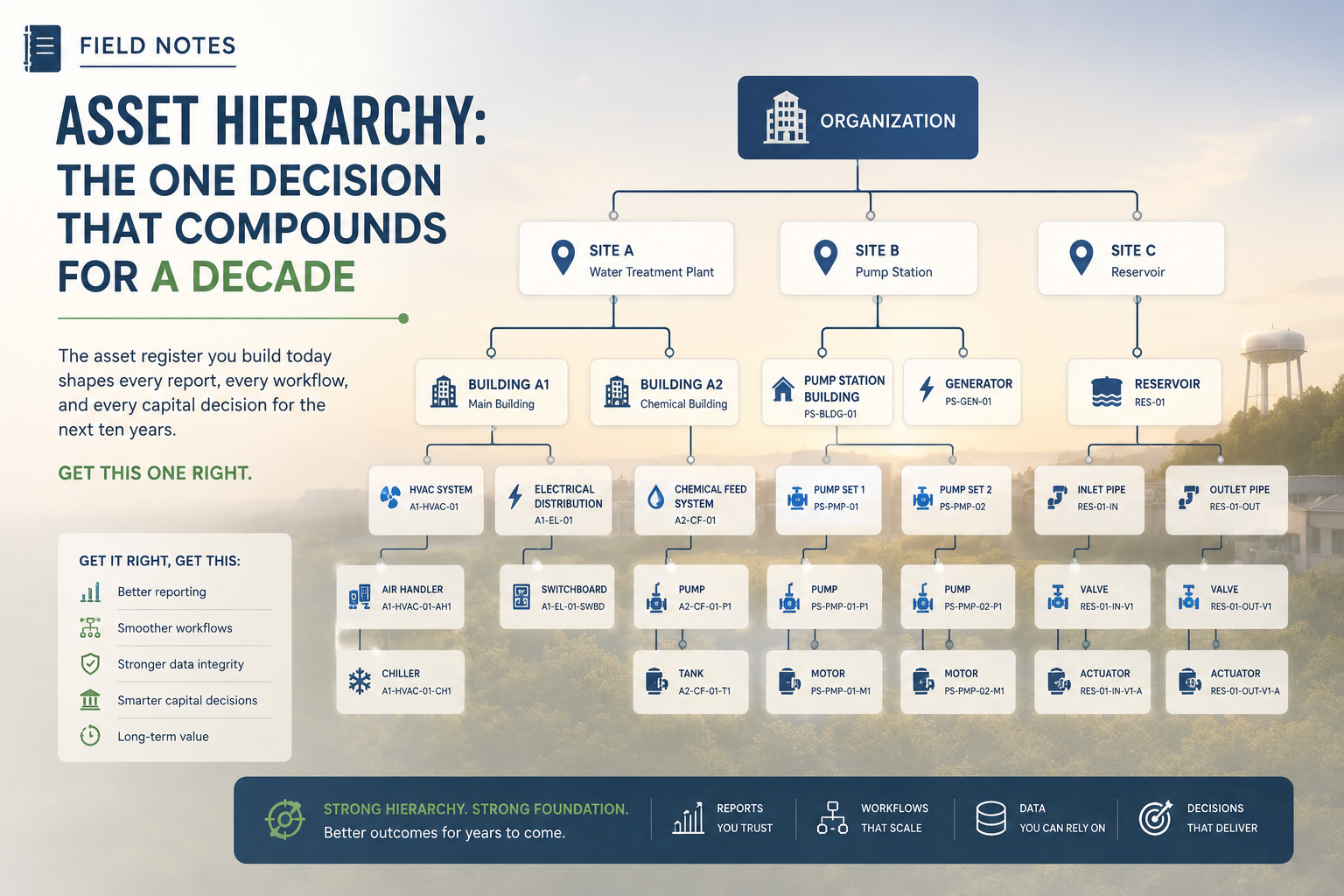
The root cause is almost always data quality at the asset hierarchy level. Asset records don’t match what’s standing in the field. Locations are stale. Equipment that was decommissioned years ago is still active. Once your people know the records are wrong, they doubt every report that comes out of the system.
3. Adoption is enforced, not chosen
Watch for the language. If supervisors are reminding their teams to “put it in the system,” you’ve got an enforced-adoption problem. If technicians are using the system because it’s the fastest way to do their job, you’ve got a healthy program. The line between the two is thin, and most organizations cross it without ever noticing.
Enforced adoption doesn’t last! Every month a little less data gets entered and the friction builds. Within a year, the system is back to where it was before the rollout, and someone is writing a memo about “why we need to re-launch.”
4. New hires don’t learn it as the system of record
This one’s easy to miss because it happens slowly. A new planner gets onboarded. The veteran planner training them shows them the spreadsheets, the shared drive, the email folder where work requests come in. The CMMS gets mentioned briefly. Six months later, the new planner uses the system the way the veteran does: hardly at all.
If your CMMS isn’t the first thing new hires are taught, it has become a parallel record people update for compliance, and that’s all it is.
5. Reports start “here’s what the system says, and here’s what’s really happening”
The last and most serious sign is a disclaimer in the leadership reports. Whether it’s explicit (“the system shows 78% PM completion but actual is closer to 90%”) or implicit (the spreadsheet that lives alongside the system-generated report), the moment there are two versions of the story, the CMMS has lost its purpose.
If a report needs an asterisk every time it’s shared, the system that produced it has stopped being trustworthy. Poor data quality is a symptom of that failure.
What to do this quarter
If you recognized your shop in two or more of these, you better do a focused workflow review before anyone says the word re-implementation. Three steps you can take in the next ninety days:
- Spend a week observing how planners and supervisors use the system. Don’t survey them. Don’t interview them. Watch. You’ll learn more in five hours of observation than in five weeks of meetings.
- Pick one workflow and fix it end-to-end. Pick one, like work-order intake or weekly schedule generation, and leave the rest alone for now. Get it to the point where the planner who lives in that workflow says “this is now the fastest way to do my job.” That’s the model for everything else.
- Make the asset hierarchy match the field again. Fix whatever has drifted. It’s grunt work, and every report you produce depends on it.
The vendor is rarely the problem, and the implementation almost never is. It’s usually the workflow design around the system, and your team can fix that with the right diagnostic and the patience to listen first. When did you last sit with a planner on a Monday morning? How many spreadsheets are running your maintenance program right now?